MusicApp
BETA TEST IN PROGRESS · FREE UNTIL 31 DECEMBER 2026

Play with your band.
Everyone from home.

MusicApp brings every musician's sound to the others in real time, directly between your computers. Studio quality, up to 8 musicians, webcams and chat: rehearse as if you were in the same room.

For macOS (Apple Silicon and Intel) and Windows.

Groove made by your browser

Beta test in progress

MusicApp is in a free beta test until 31 December 2026, with every feature open: public and private rooms, your band's own room, recording, mixer, EQ, tuner and the rest.

Taking part is by invitation: to ask for one, write to support@musicappitaly.com.

In the app, on the «Strumenti» (tools) page, the «Segnala un problema» (report a problem) button prepares an email to us: to tell us about a problem or ask for a new feature.

Everything you need to rehearse

Made by musicians, for musicians: audio first, then the rest.

24

Studio audio

Uncompressed 24-bit, 48 kHz PCM, or Opus for slower connections. No central server in the middle: audio travels between your computers.

8

Up to 8 musicians

Each with their webcam, the room chat and their own channel in the mixer.

EQ

Your mix, your way

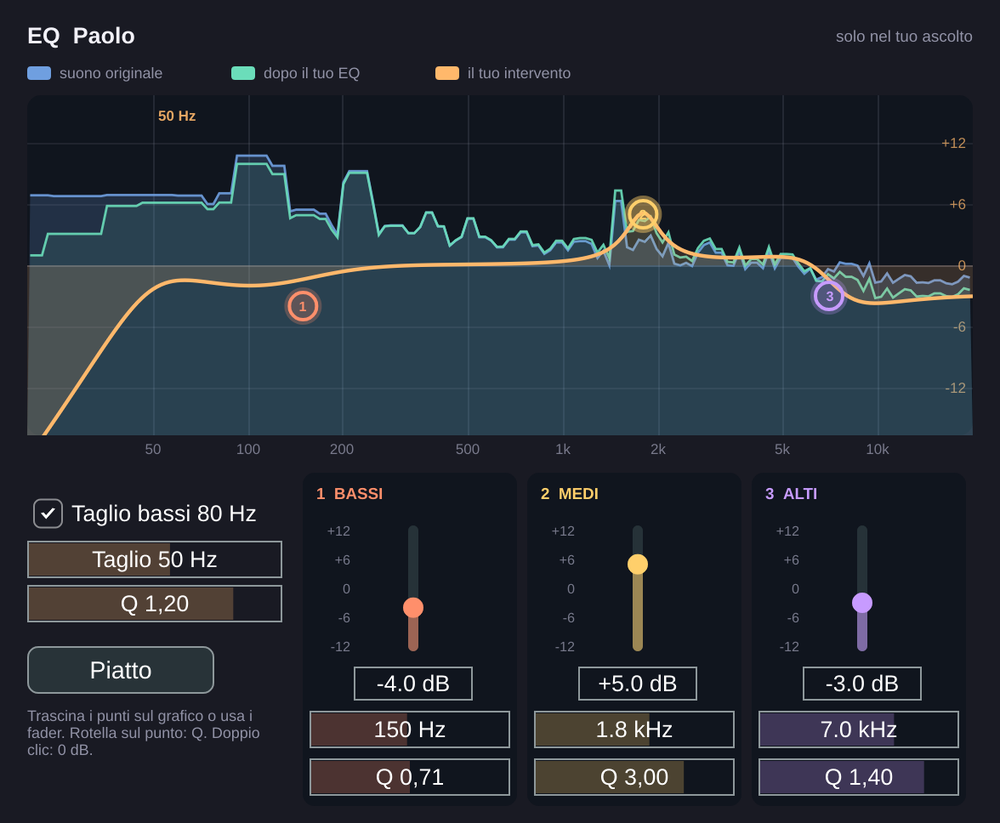
Volume, pan and a 3-band EQ with low cut for every musician, with a live spectrum. It only changes what you hear.

♪

Musician's tools

Tuner for guitar, 4- and 5-string bass and violin, shared click, MIDI view as keyboard or guitar neck.

REC

Multitrack recording

The rehearsal mix plus one WAV file per musician, to polish later, with a notice to everyone. Or just your instrument, even without a room.

↻

The room stays up

Coordination moves on its own to the musician with the best connection. If the coordinator drops, the deputy takes over: the room stays the same and the audio does not stop.

⚙

Sets itself up

On first launch MusicApp measures your line and picks the audio format and buffer. Then it tells you what it chose and where to change it, if you want.

0 dB

A console-style mixer

Faders marked in dB with 0 dB at three quarters, a limiter that only rounds off peaks without changing the volume, a green zone to set your input.

FX

Your own sound

Gate and compressor on your instrument, reverb only in your headphones. A shared setlist with a count-in before each song.

A room that is always ready

Create your band's room once and find it every evening.

  • Public, password-protected, or private with a 6-digit code for your friends.
  • The server keeps only a proof of the password, never the password.
  • The first one in opens the room; the others reach them automatically.
  • One account, one presence: join from another computer and MusicApp asks whether to sign the other one out.
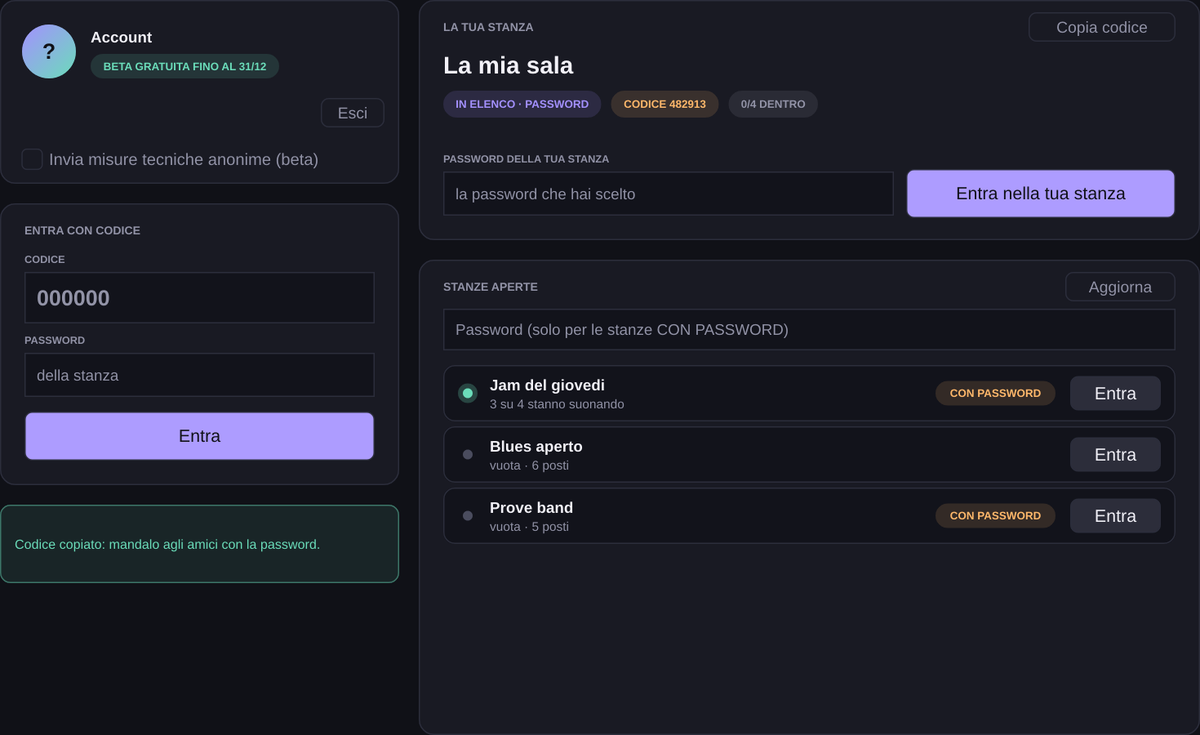
MusicApp rooms page

Hear every detail

Each musician's EQ shows the sound before and after your changes. Drag the points on the graph or use the faders.

  • 3 bands with adjustable frequency and Q.
  • Low cut from 20 to 100 Hz.
  • Remembered for each musician, next rehearsal too.
EQ with live spectrum

How it works

Three steps, then you play.

  1. Download and set up. Pick your audio interface and its inputs: MusicApp remembers them next time.
  2. Sign in. With email and password, once invited to the beta test. Everything is free during the beta.
  3. Join the room. From the list, with the code or your band's own room. Headphones on and go.

Playing in time depends mostly on distance and network: cable beats Wi-Fi. Network tips

Tune up before you start

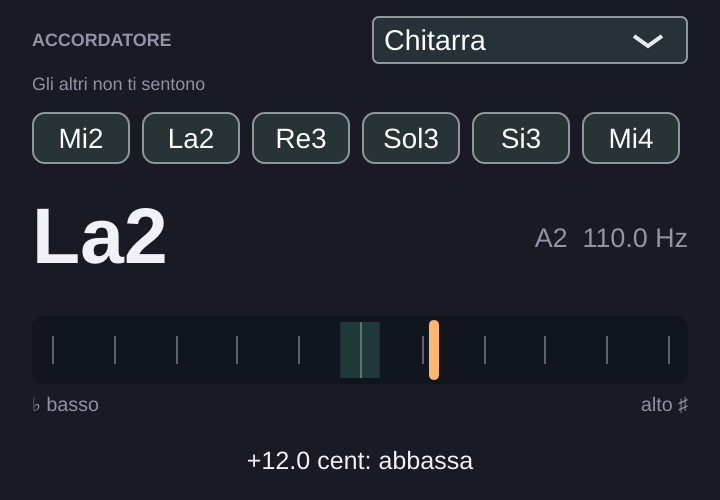
The tuner finds the string even when it is far off and tells you how much to raise or lower it. While you tune, the others can't hear you.

  • Guitar, 4- and 5-string bass, violin and chromatic.
  • Adjustable reference A.
  • MIDI view: keyboard or guitar neck, to show chords to the others.
MusicApp tuner